🔒
Your privacy is fully protected
DualShot Creator is built on a simple principle: your videos, photos, and personal information belong to you. We do not collect, store, transmit, or share any data. Everything you create stays entirely on your device.
✦ Zero Data Collected
No accounts · No tracking · No analytics · No ads · No cloud uploads
01 — Overview
What This Policy Covers
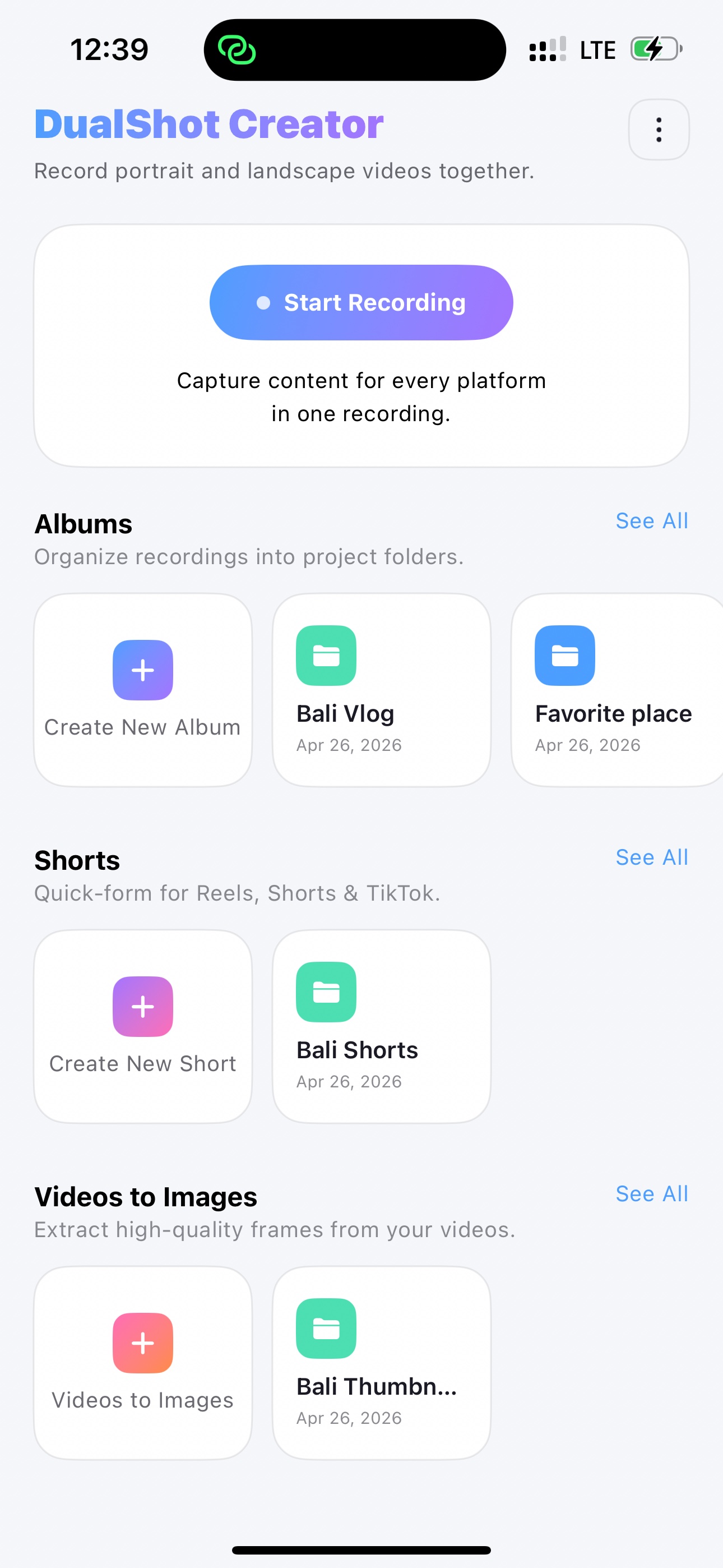
This Privacy Policy applies to the DualShot Creator iOS application ("the App"), developed and published as an independent iOS app. It describes how we handle — or more accurately, do not handle — any information related to your use of the App.
02 — Data Collection
We Collect Absolutely Nothing
DualShot Creator does not collect any personal data, usage data, device identifiers, analytics, crash reports, or any other form of information. There are no servers receiving your data. There is no backend. There is no account system.
No personal info collected
No usage analytics
No crash reporting
No device identifiers
No location data
No advertising IDs
03 — Permissions
Camera & Photo Library Access
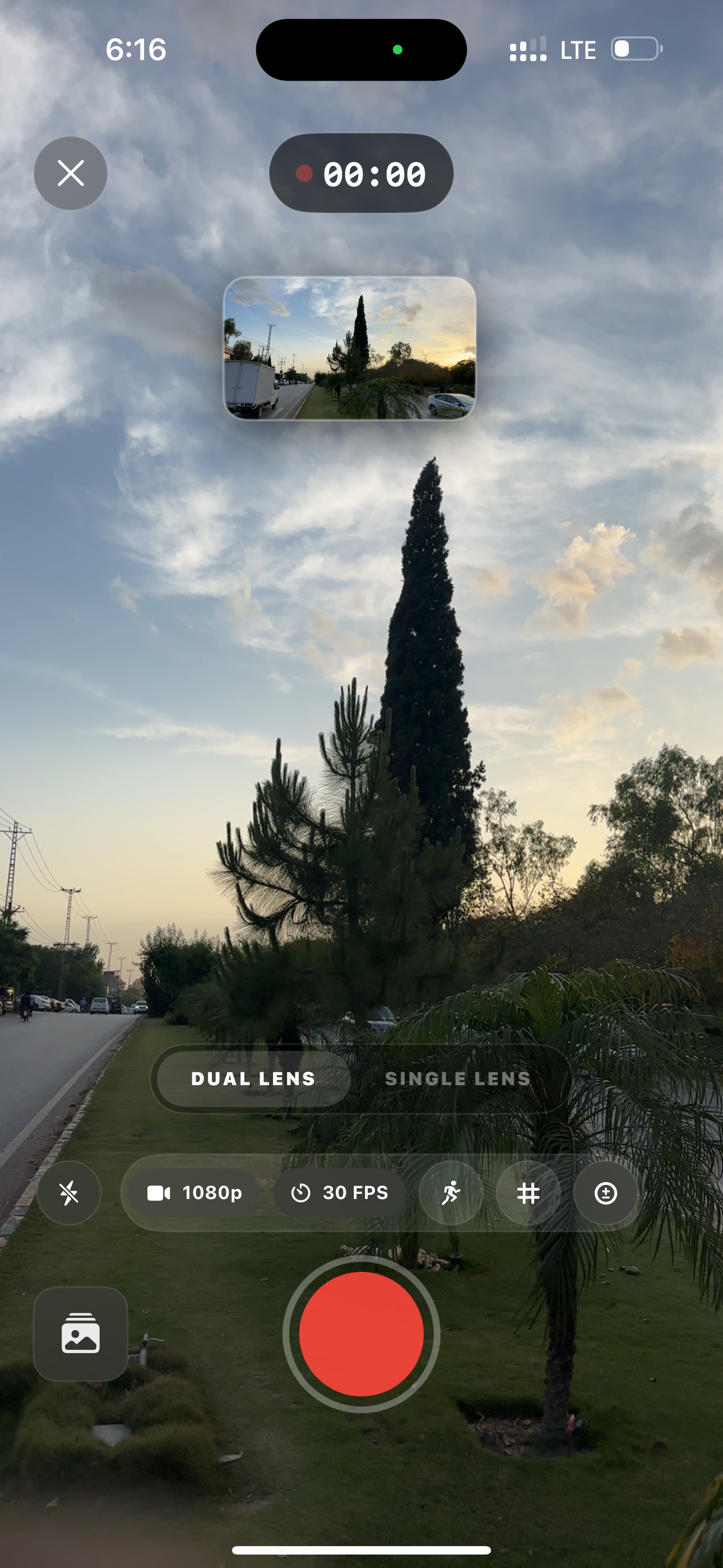
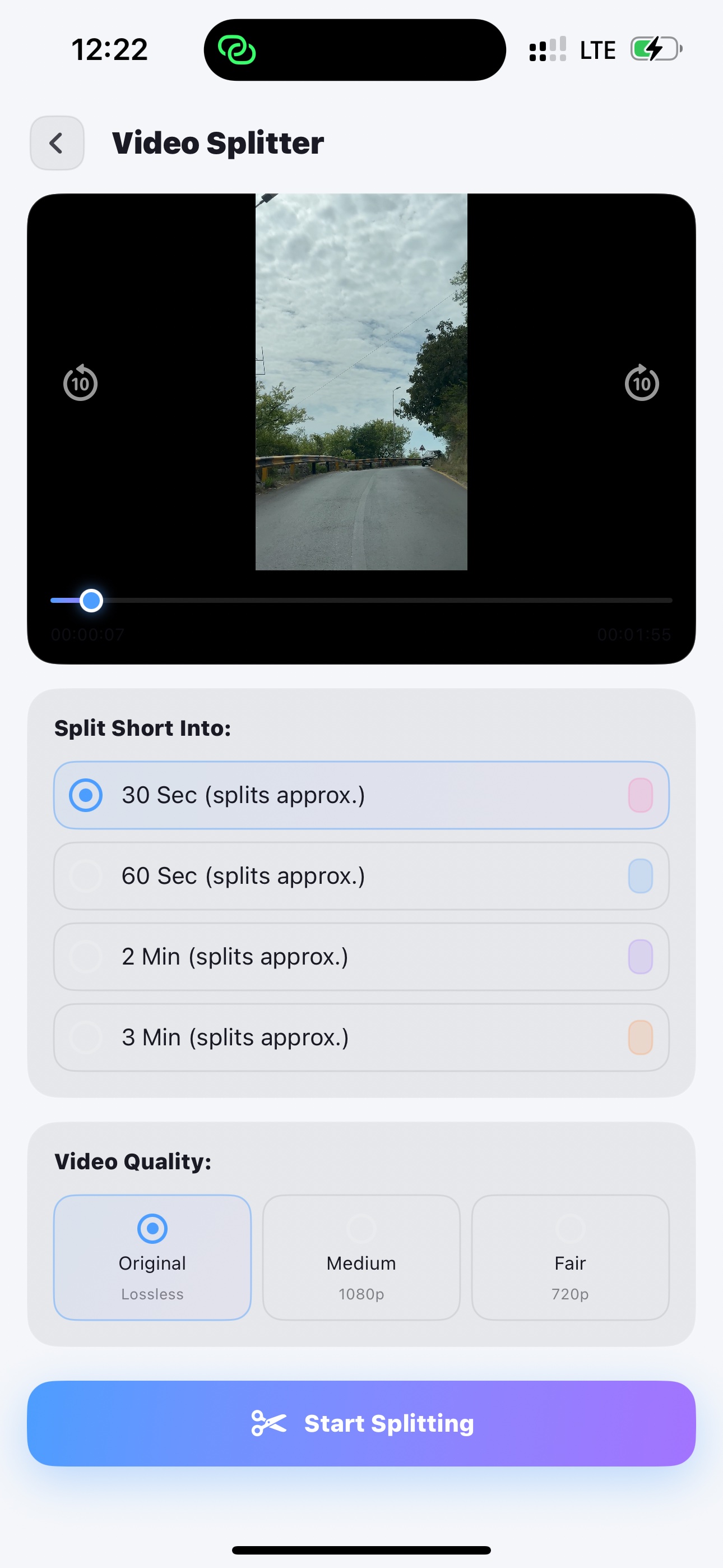
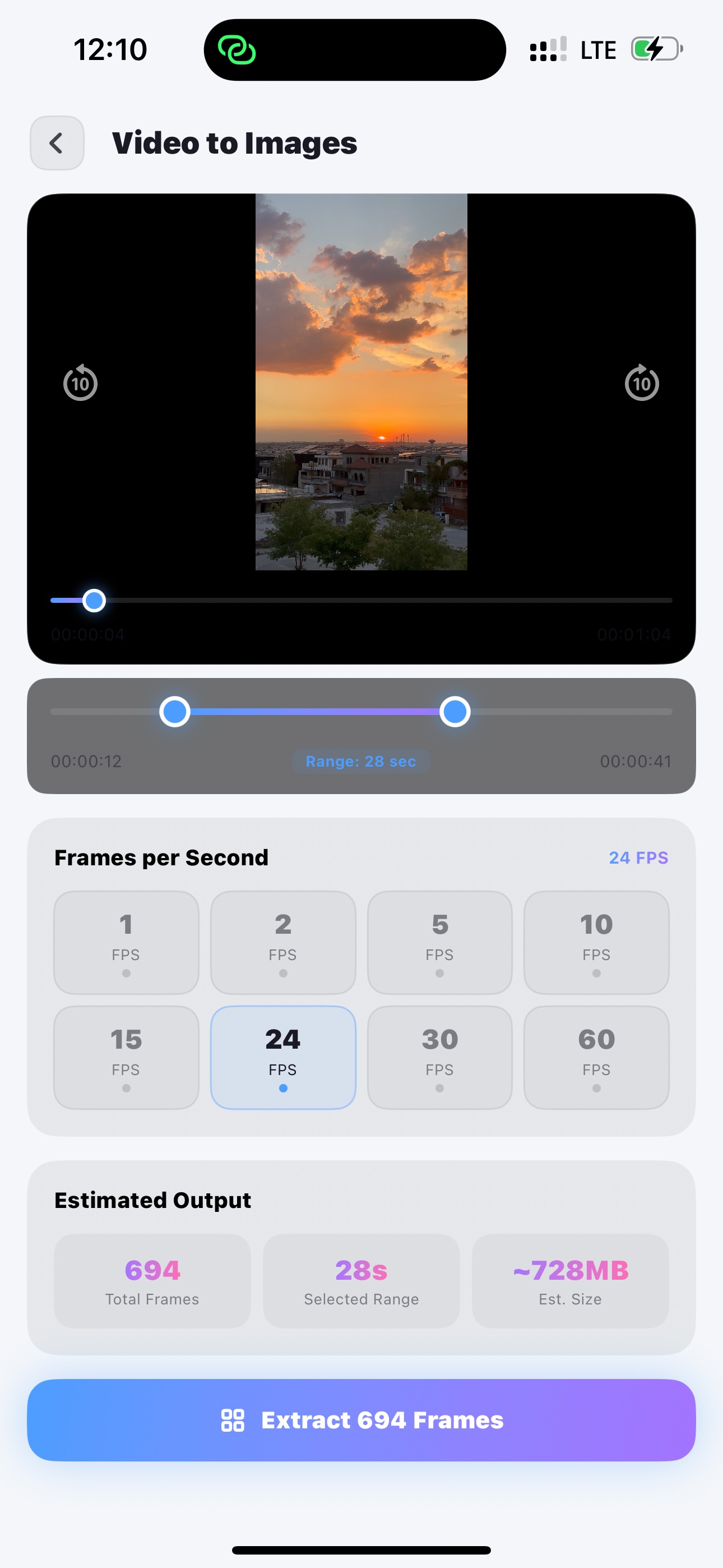
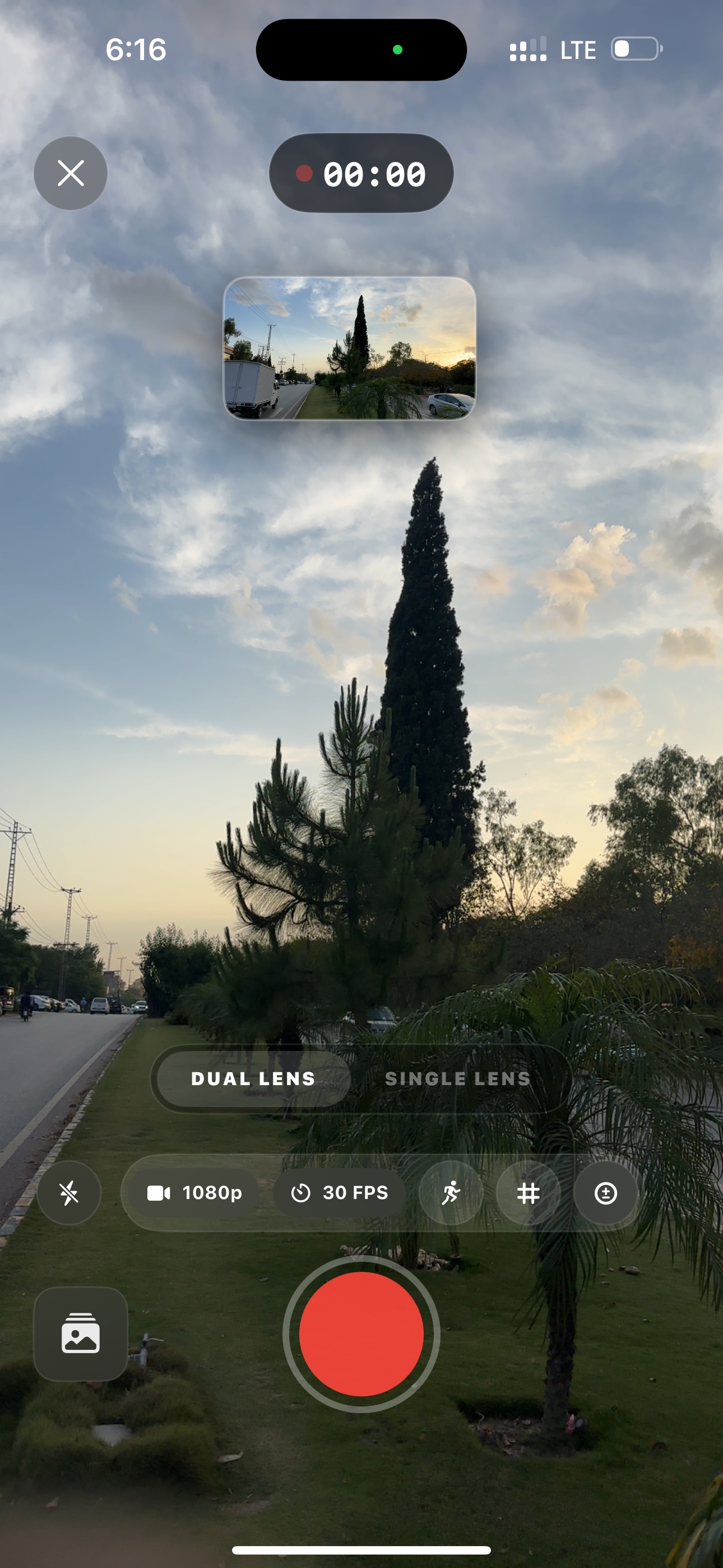
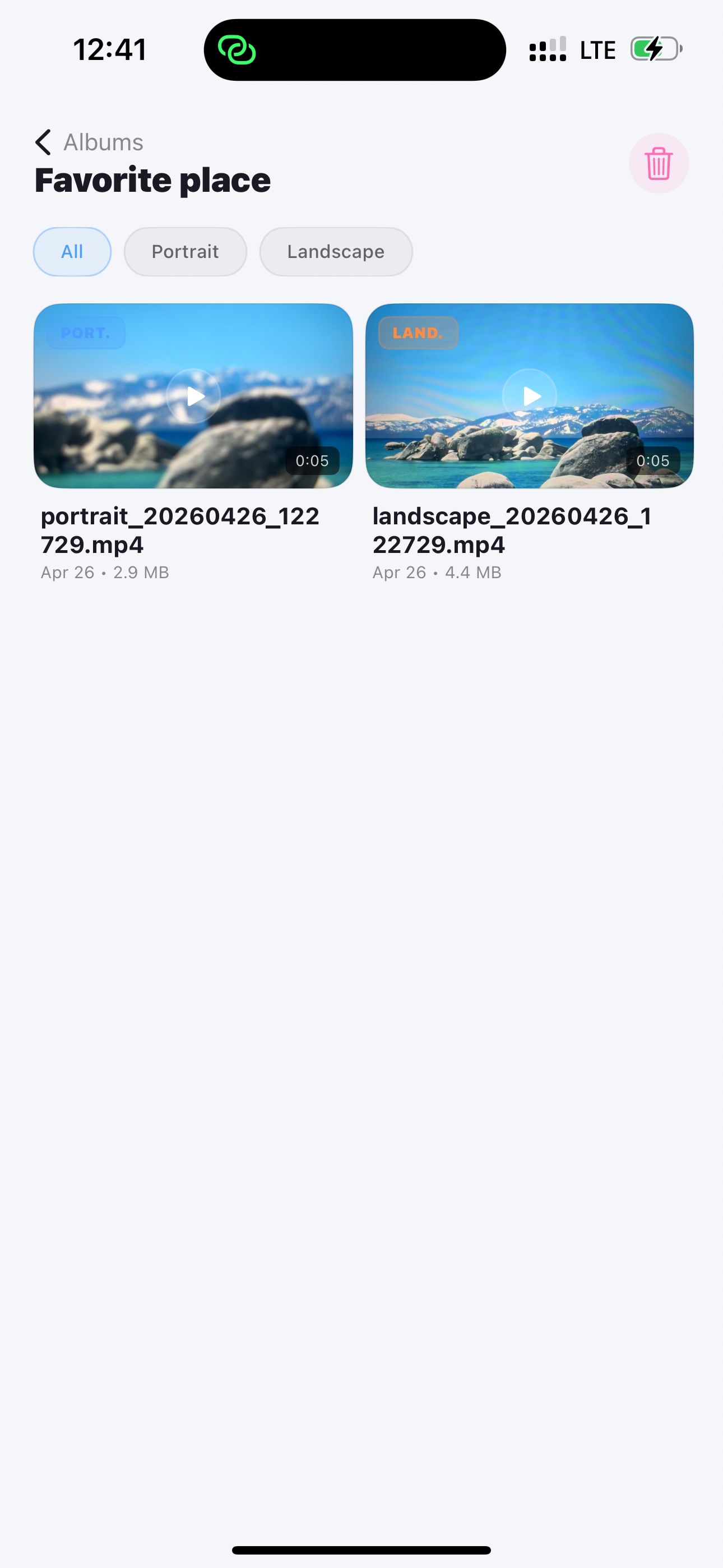
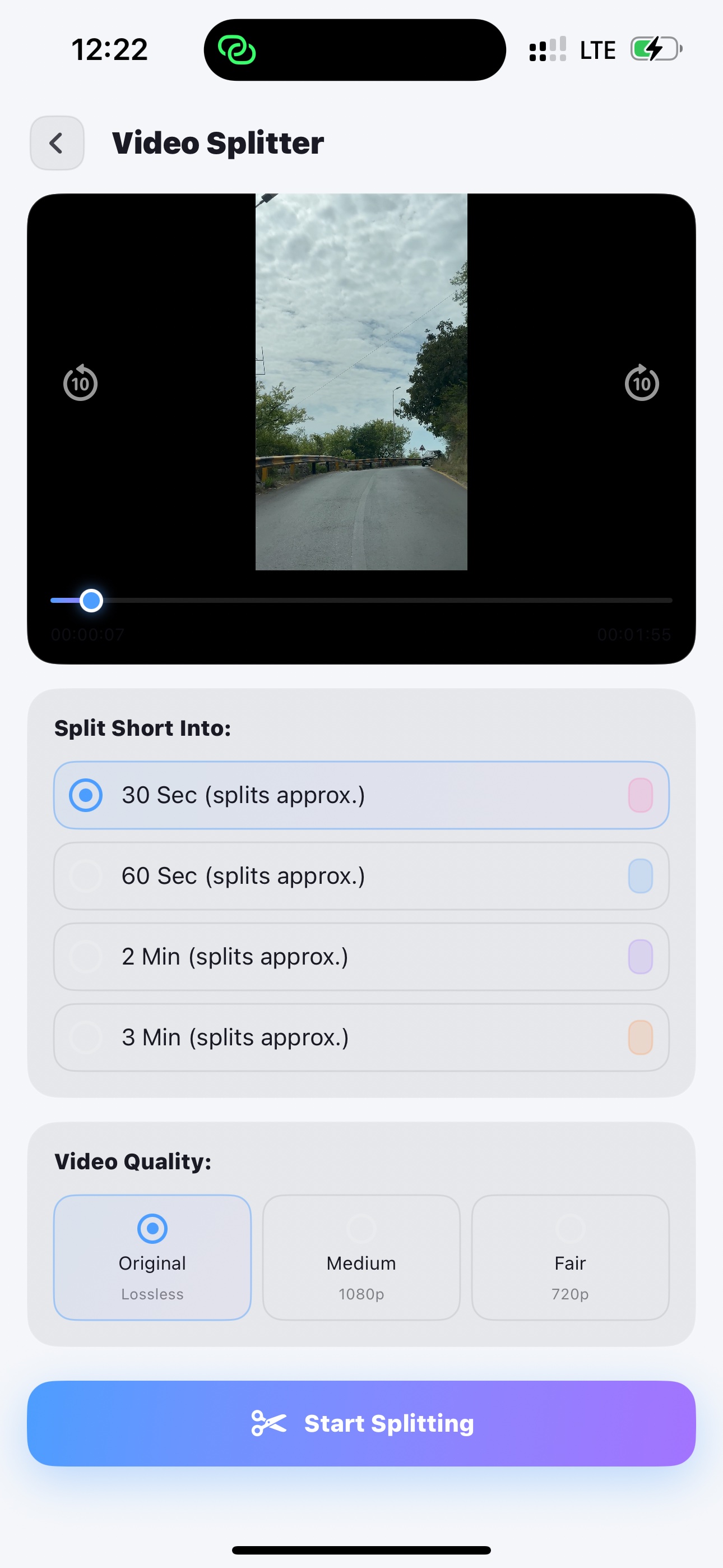
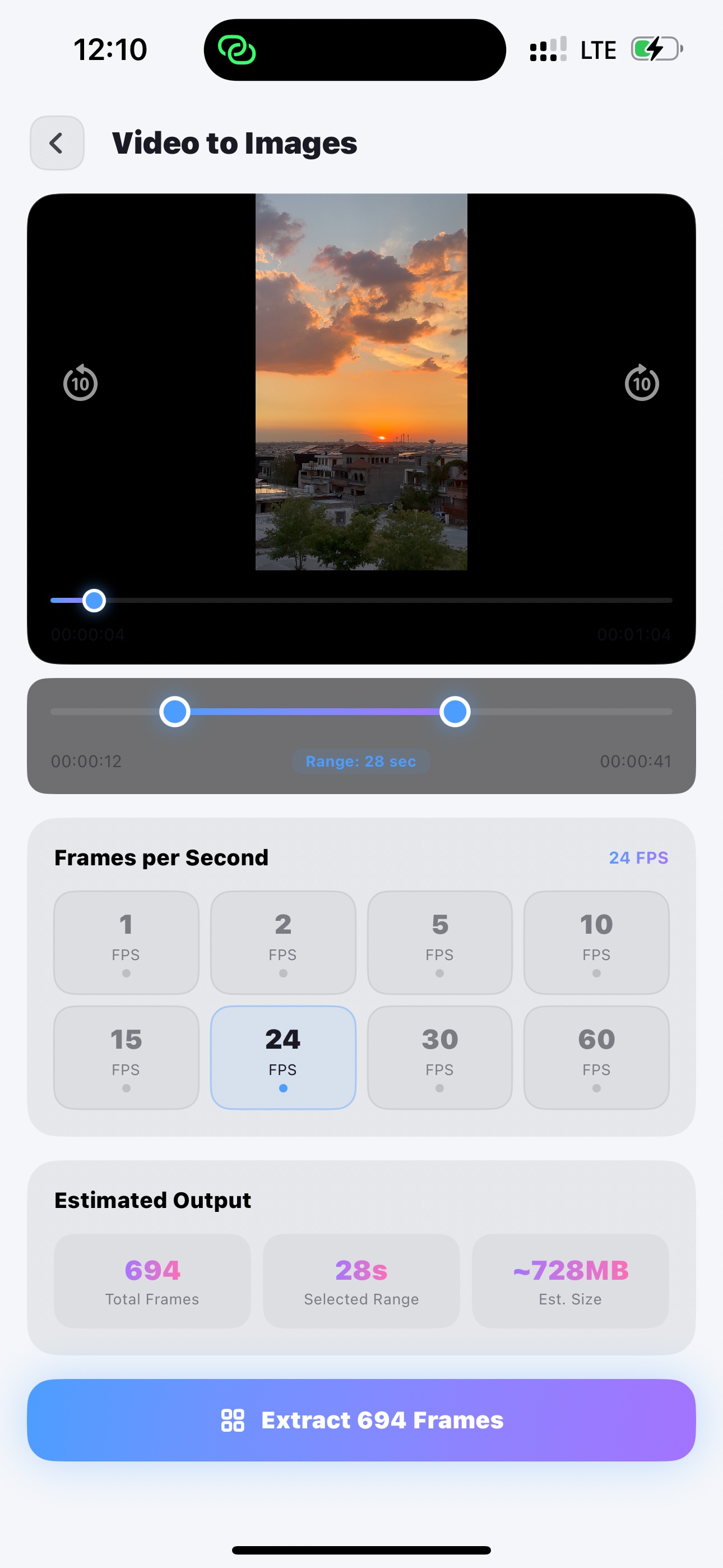
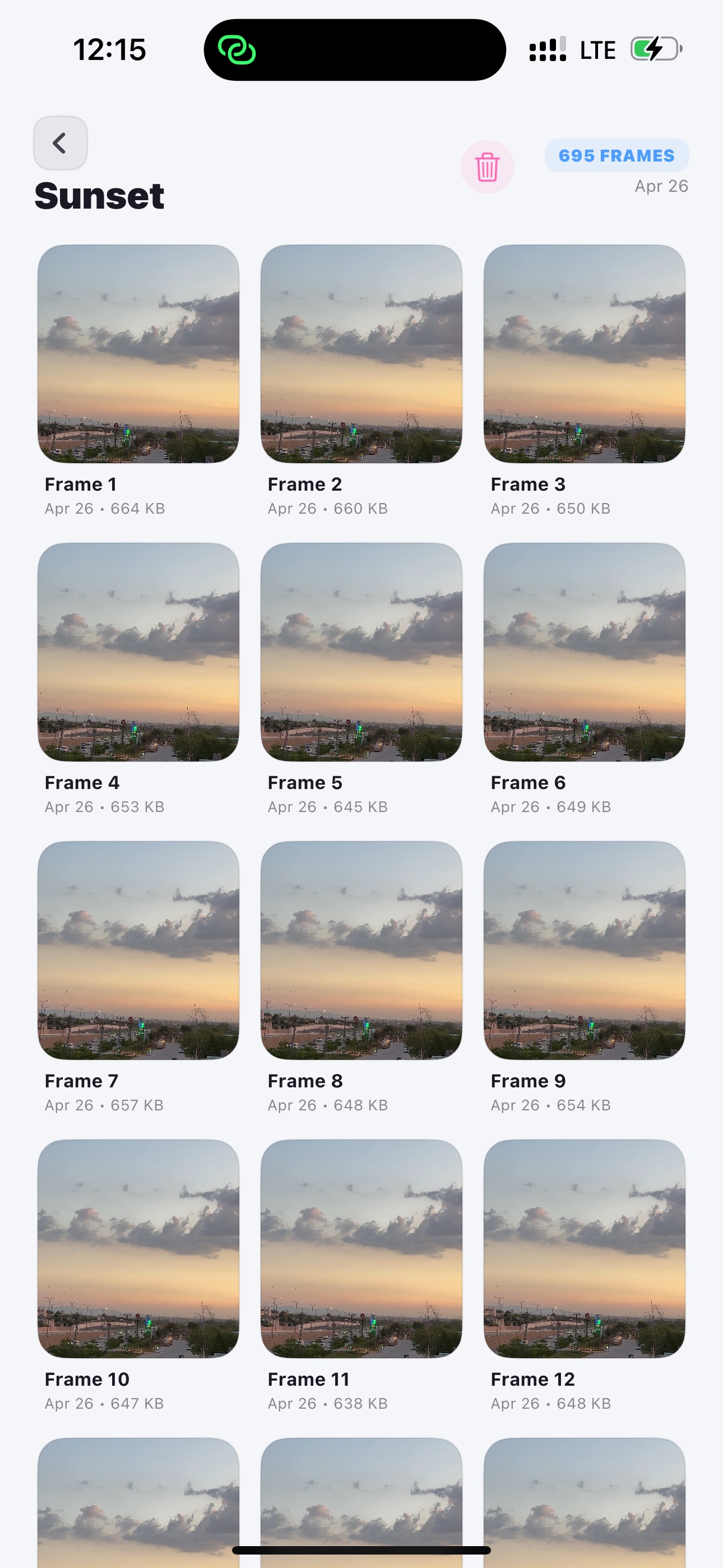
The App requests access to your device camera and photo library solely to perform its core functions — recording dual-lens video, splitting clips, and extracting frames. These permissions are used exclusively on-device. No media is transmitted anywhere.
You may revoke these permissions at any time via iOS Settings → DualShot Creator.
Camera — for dual-lens recording
Photo Library — save & read clips
Microphone — for video audio
04 — Third Parties
No Third-Party SDKs or Services
DualShot Creator does not integrate any third-party analytics SDKs, advertising networks, social login services, or data brokers. We do not sell, rent, license, or share any data — because we have none to share.
05 — Children
Children's Privacy
The App does not knowingly collect information from anyone, including children under the age of 13. Since no data is collected at all, there is no risk of inadvertent collection of children's personal information.
06 — Changes
Policy Updates
We may update this Privacy Policy from time to time. Any changes will be reflected with a new effective date. Continued use of the App after updates constitutes acceptance of the revised policy.
📋
Terms of Use
By downloading or using DualShot Creator, you agree to these terms. They're straightforward and written to be actually understood.
01 — Acceptance
Agreement to Terms
These Terms of Use ("Terms") govern your use of DualShot Creator ("the App"). By accessing or using the App, you confirm that you are at least 13 years old and agree to be bound by these Terms.
02 — License
Limited License to Use
We grant you a personal, non-exclusive, non-transferable, revocable license to use DualShot Creator on Apple devices you own or control, subject to these Terms and the Apple App Store Terms of Service.
You may not copy, modify, distribute, sell, sublicense, reverse-engineer, or create derivative works from any part of the App.
03 — Your Content
Ownership of Your Videos & Media
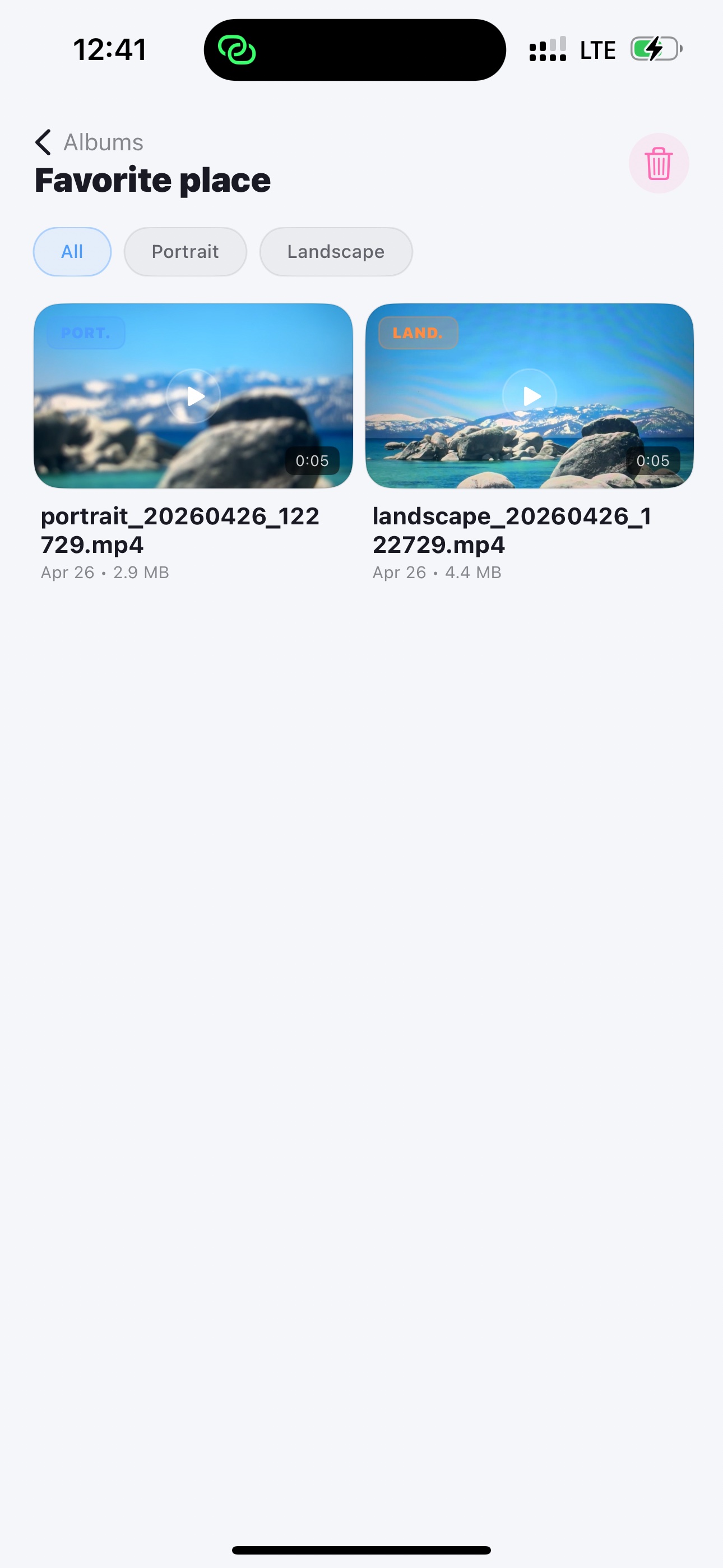
All videos, images, and media you create using DualShot Creator remain entirely your own. We claim no ownership, license, or rights to any content you produce with the App.
You own your recordings
You own extracted frames
We claim zero rights
04 — Acceptable Use
What You May Not Do
You agree not to use DualShot Creator to record, create, or distribute any content that:
Violates any applicable law
Infringes intellectual property
Constitutes harassment or abuse
Exploits or harms minors
Is used for illegal surveillance
05 — Disclaimer
No Warranties
DualShot Creator is provided "as is" and "as available" without warranties of any kind. We do not warrant that the App will be uninterrupted or error-free. Use of the App is at your own risk.
06 — Liability
Limitation of Liability
To the fullest extent permitted by law, we shall not be liable for any indirect, incidental, special, consequential, or punitive damages arising from your use of the App.
07 — In-App Purchases
Purchases & Subscriptions
Any in-app purchases or subscriptions are processed exclusively through Apple's App Store. We do not process or store any payment information.
08 — Termination
Termination of Access
We reserve the right to discontinue or modify the App at any time without notice. Uninstalling the App terminates this license immediately.
09 — Governing Law
Jurisdiction
These Terms are governed by applicable law. Any disputes shall be resolved in the appropriate courts of the jurisdiction in which the developer is located.
10 — Changes
Updates to These Terms
We may revise these Terms at any time. Updated Terms will be posted with a new effective date. Continued use of the App constitutes acceptance of the revised Terms.